Talk through your day.
Your daily log writes itself.
Record a two-minute voice note on your site walk. ProFieldHub turns it into a structured daily log, exports a PDF, and syncs it to Procore or HCSS HeavyJob.
$9.99/month · 7-day free trial · Cancel anytime
Syncs with the systems you already use


How it works
From site walk to signed-off log in four steps
No forms, no retyping at the end of the day. Just talk — ProFieldHub does the paperwork.
 STEP 01
Speak your notes
Hit record and talk through your site walk like you would on the phone — crews, weather, deliveries, inspections, delays. No typing with gloves on.
 STEP 02
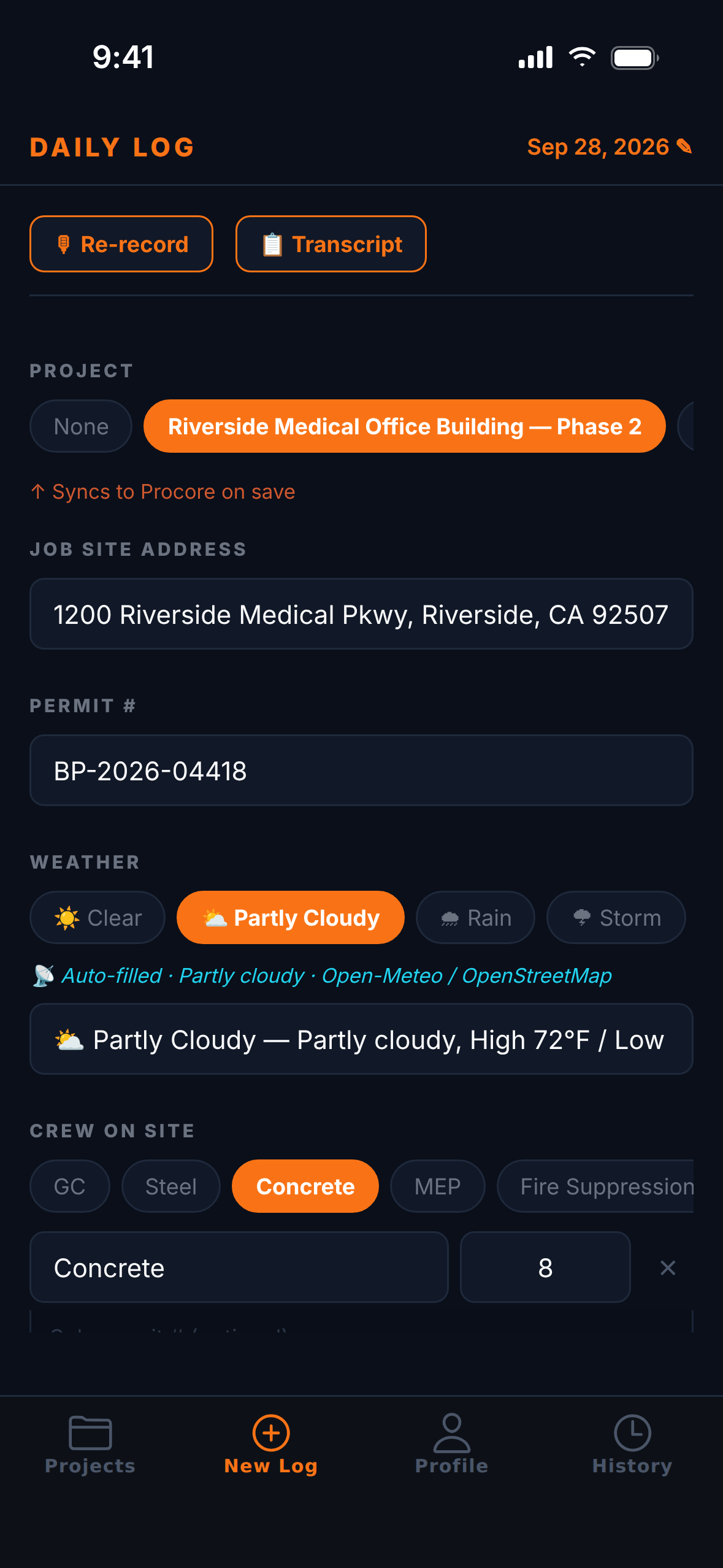
AI structures the daily log
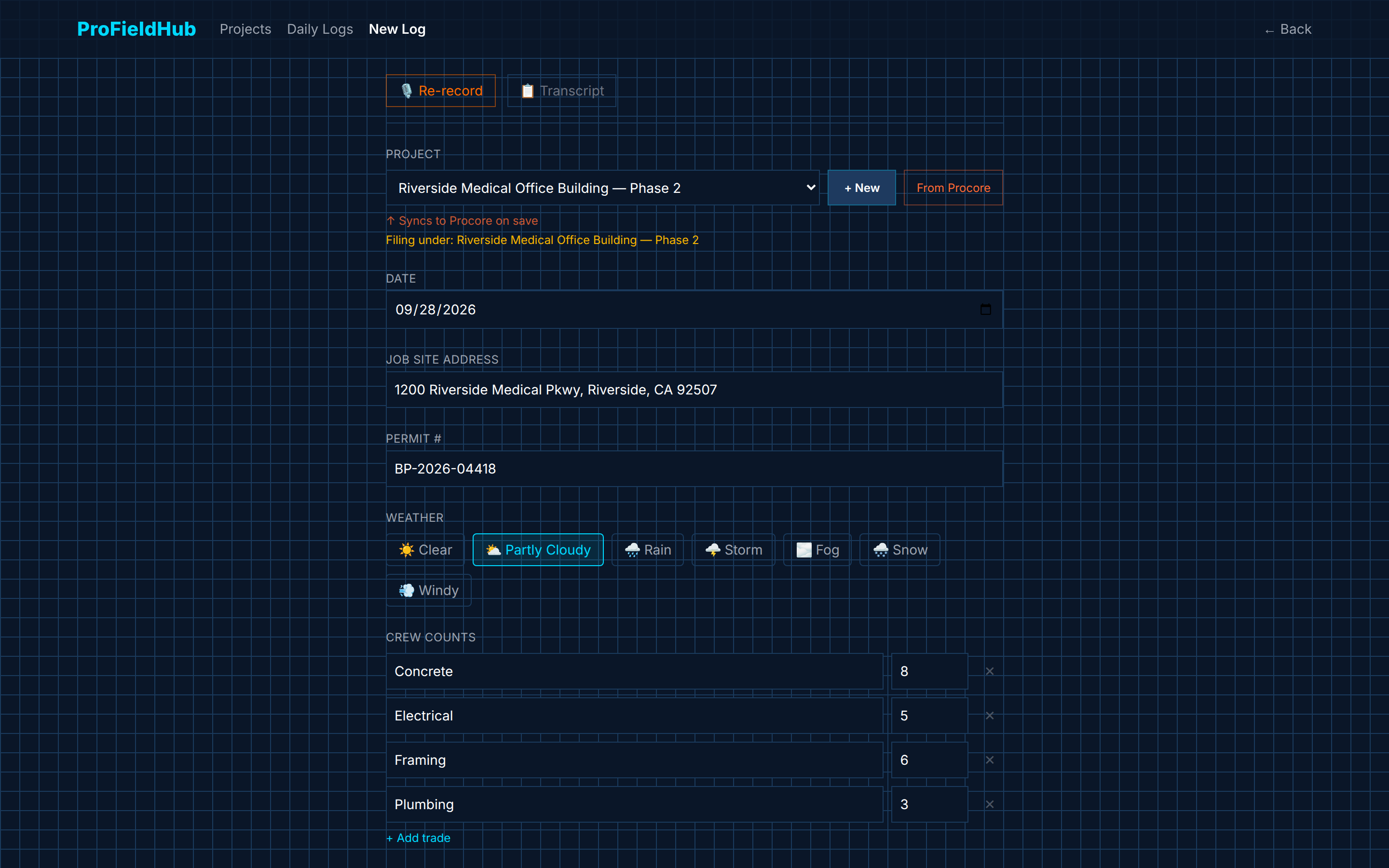
Your voice note is transcribed and sorted into a clean daily log: manpower by trade, work performed, weather, equipment, safety and visitors.
 STEP 03
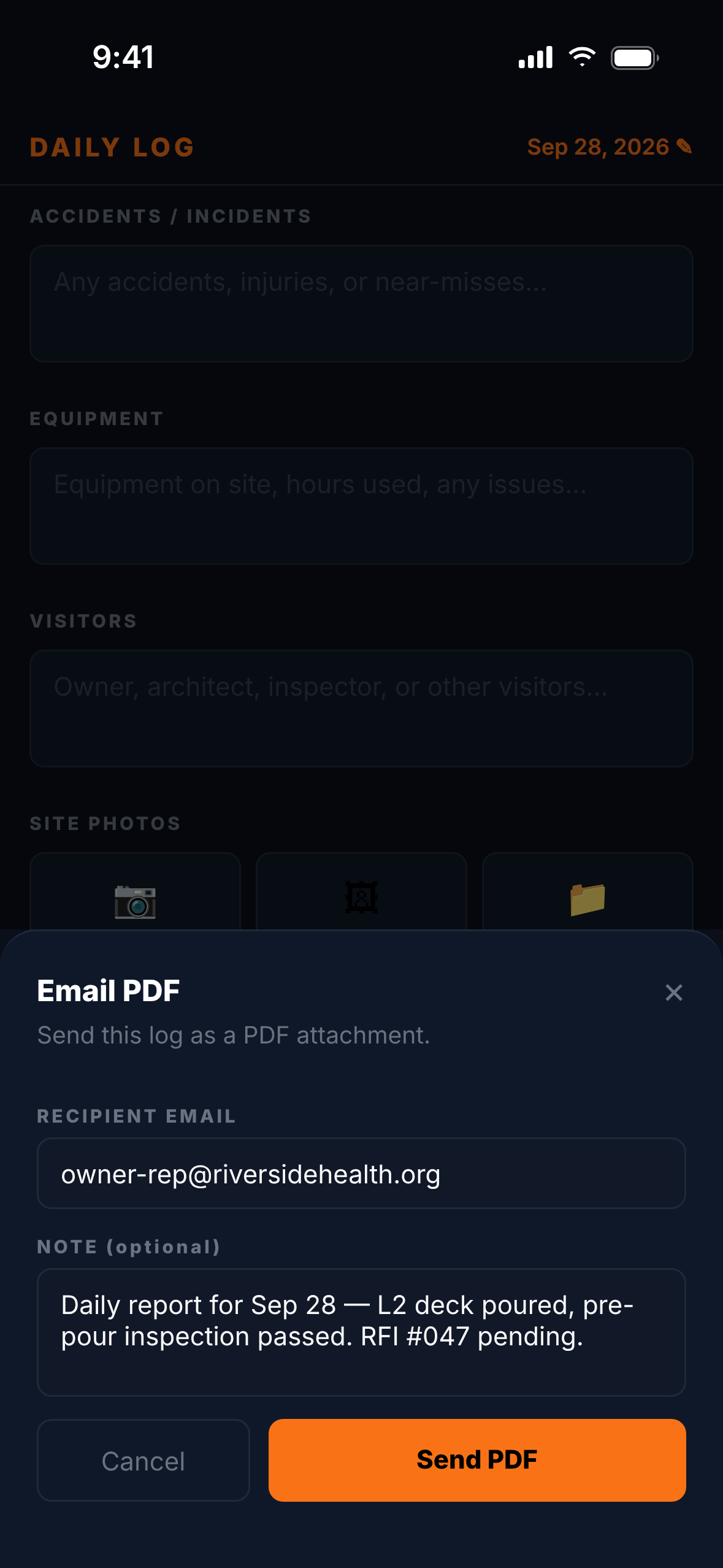
Export PDF & email
One tap produces a professional PDF daily report — ready to email to the PM, owner or file before you leave the trailer.
 STEP 04
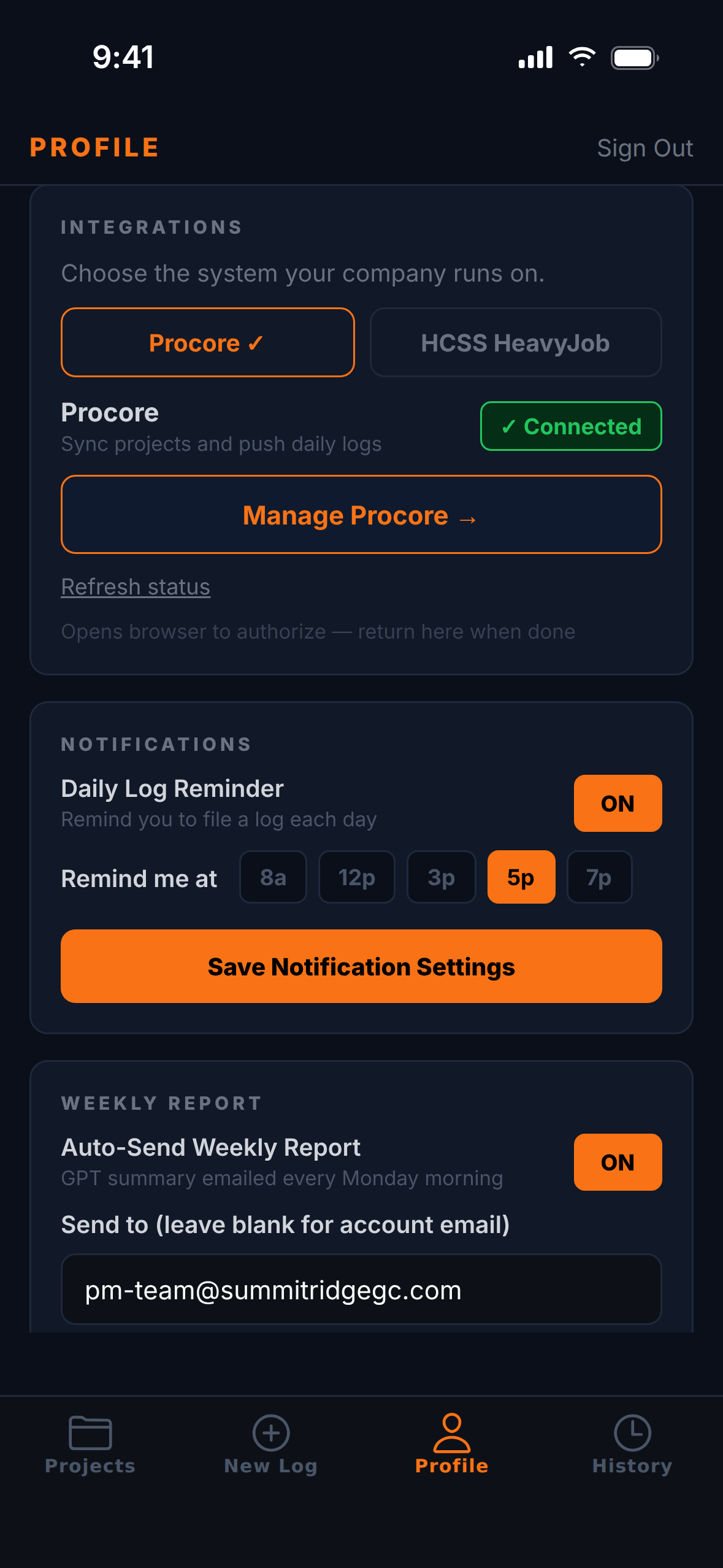
Sync to Procore or HCSS
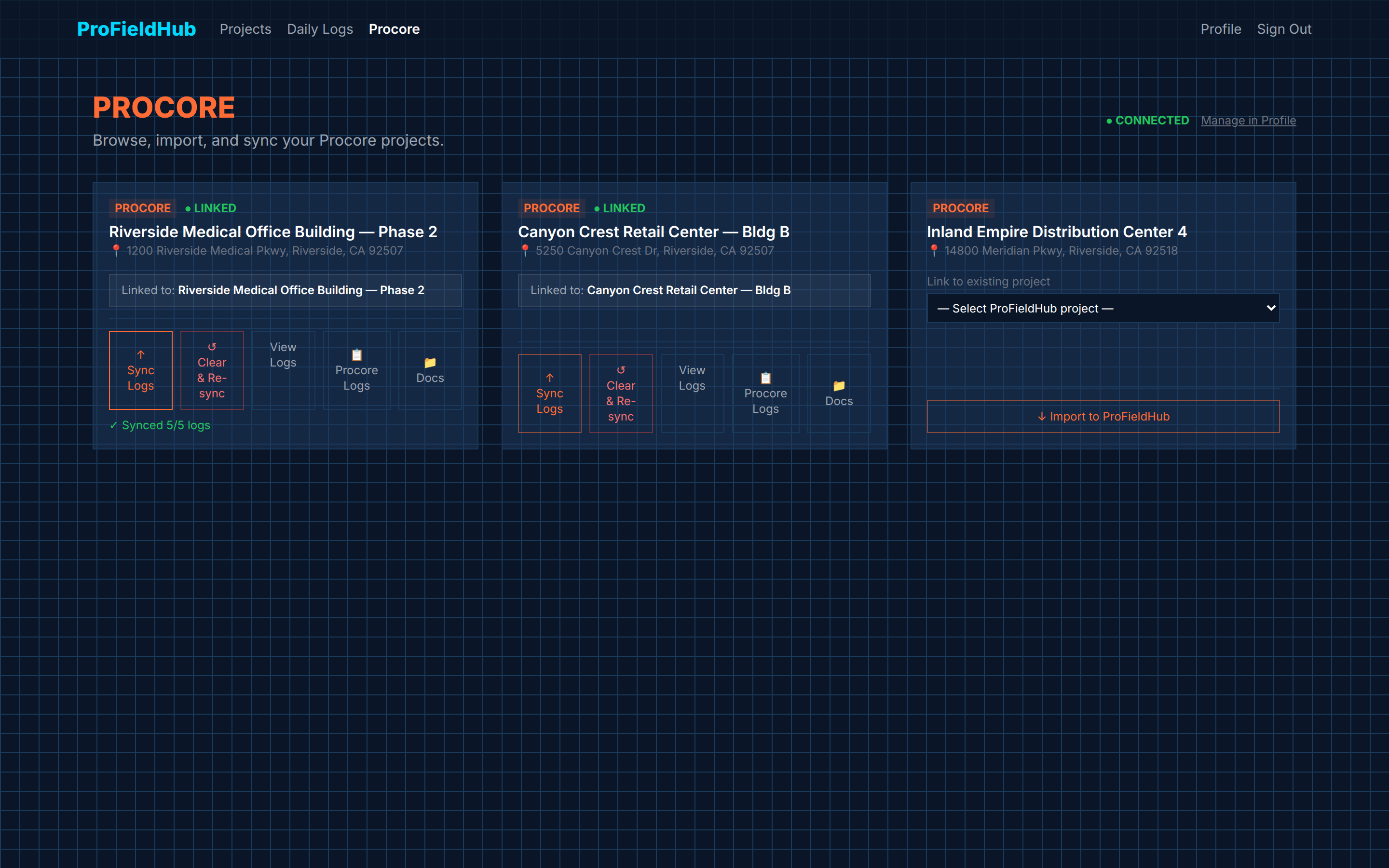
Push the log straight into the Procore Daily Log or the HCSS HeavyJob foreman diary. Log it once in the field — no double entry back at the office.
See it before you sign up
In the field and at the desk
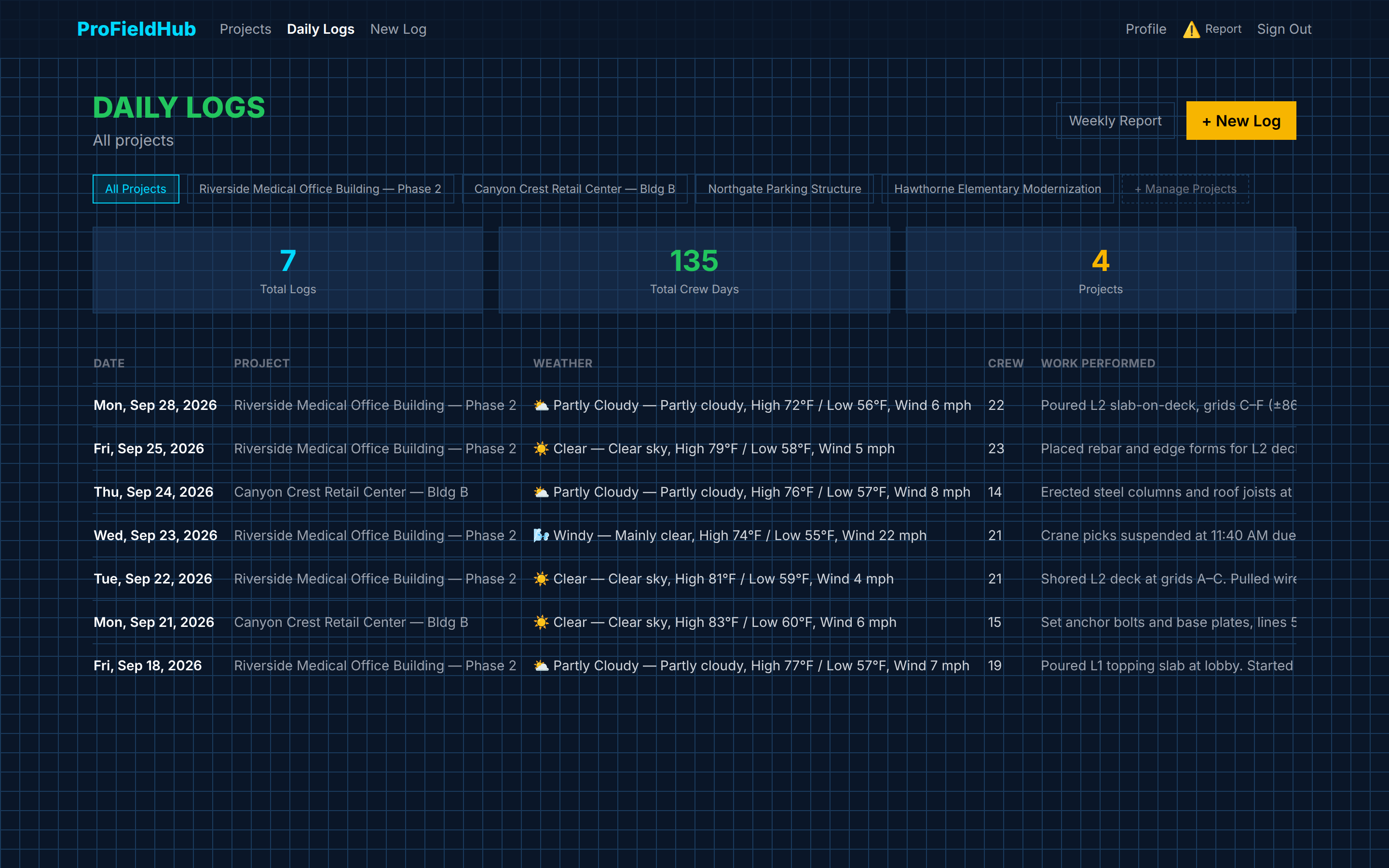
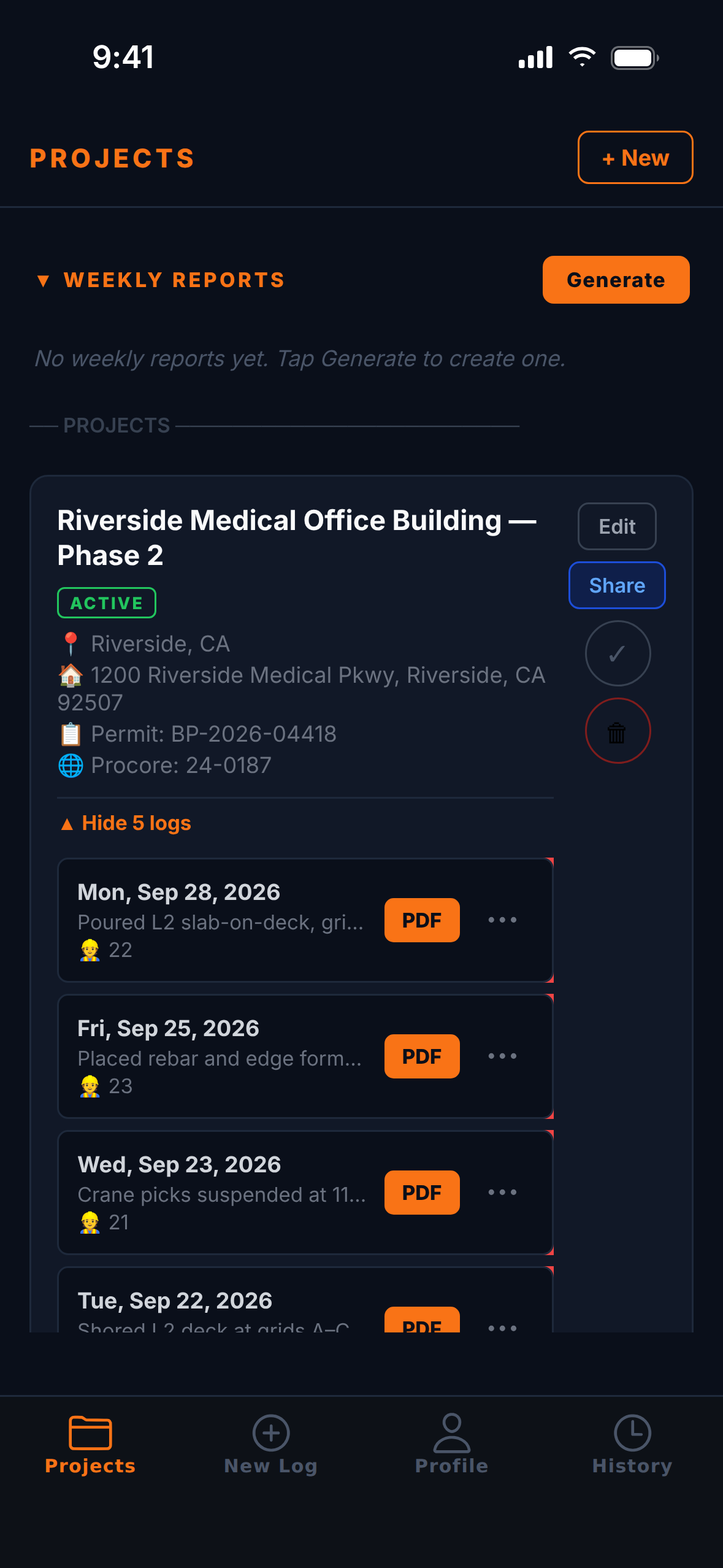
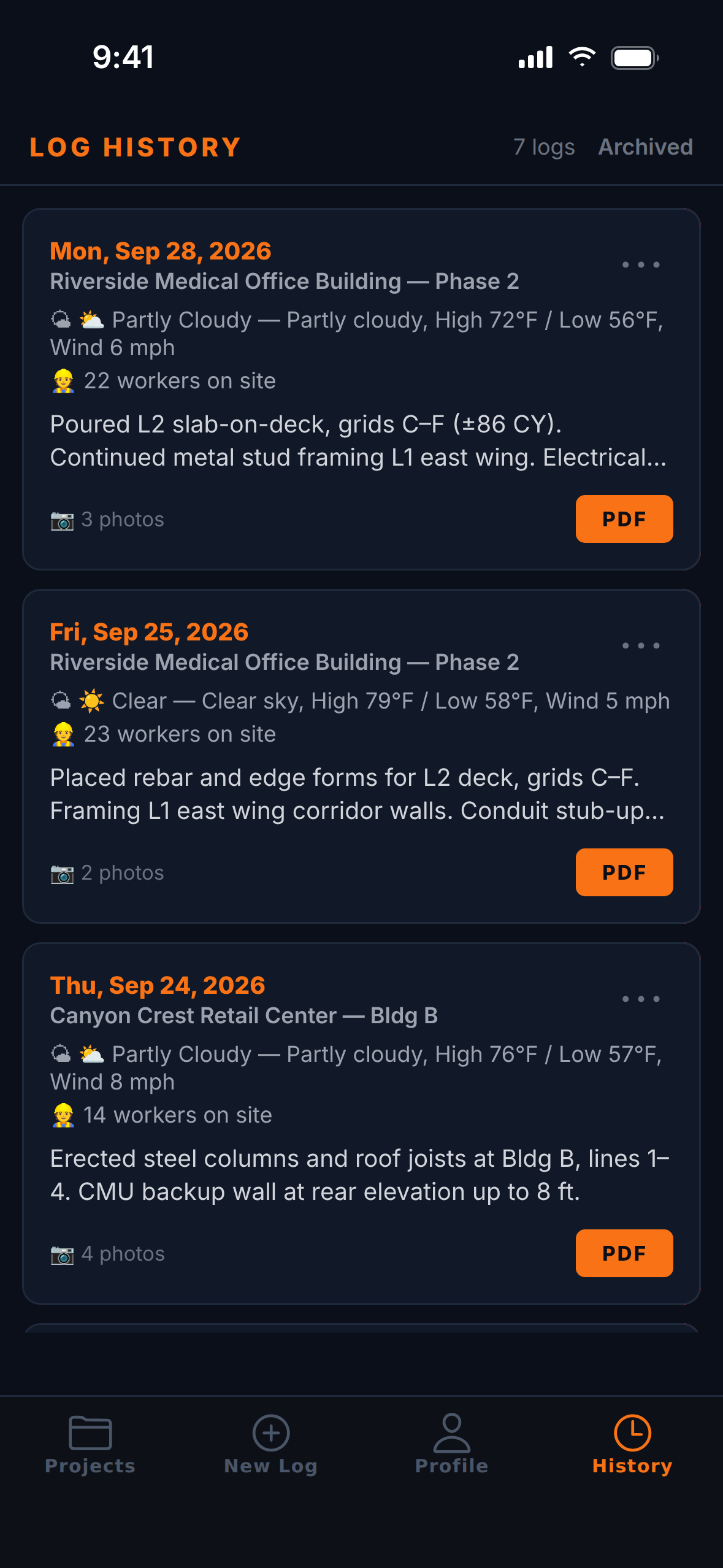
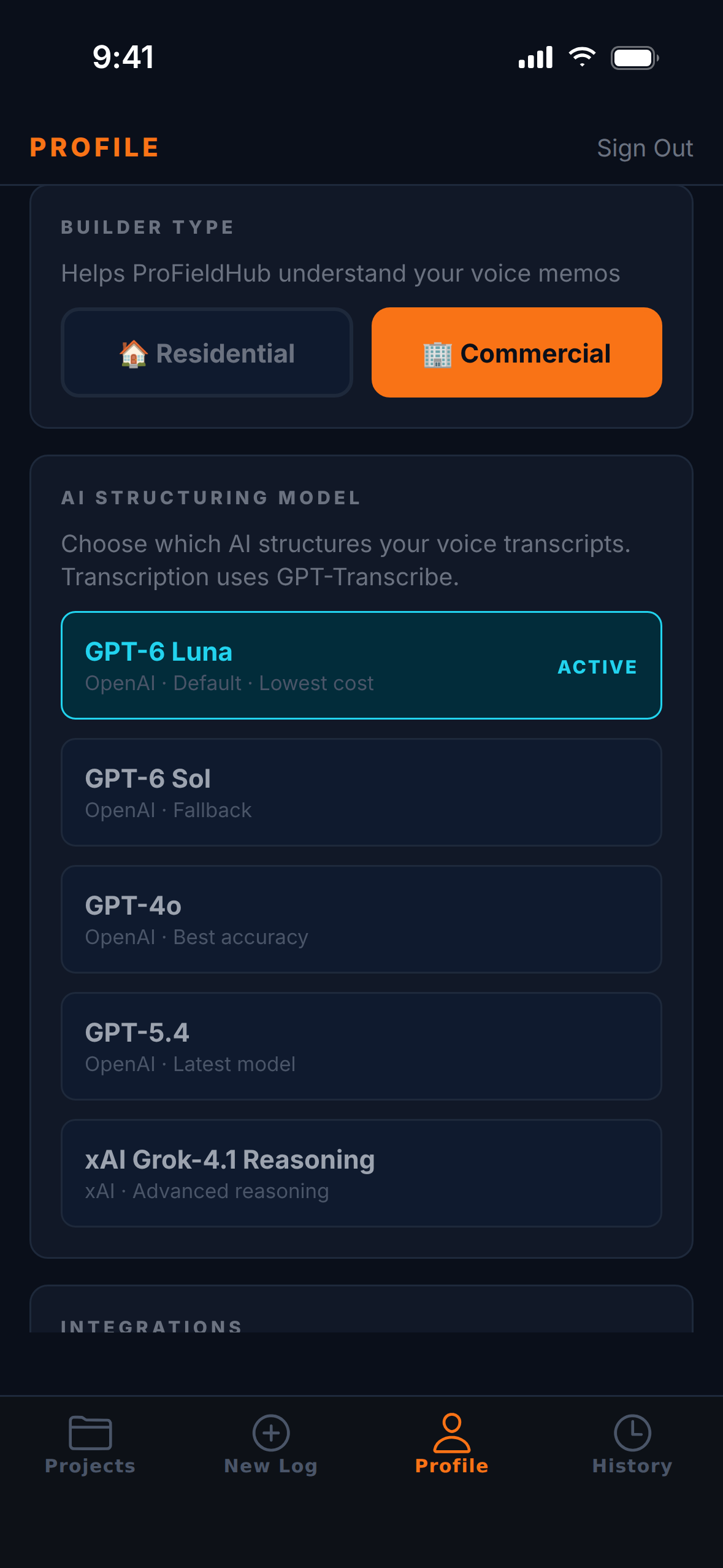
The same logs on your phone in the truck and on the web back at the office.
Everything in the log
Documentation that holds up
Voice Transcription
Record your site walkthrough. It is transcribed and structured into a professional log automatically.
Crew Tracking
Log crew counts by trade. Keep a record of who was on site every day.
Weather Logging
One-tap weather conditions. Document what the sky was doing when delays hit.
PDF Export
Generate a professional daily log PDF for every entry. Ready for email, print, or file.
Photo Attachments
Attach site photos to your log. Visual documentation that holds up in a dispute.
Log History
Every log saved securely. Search, download, and export your full field history anytime.
Integrations
Works with the systems you already use
Log it once in the field. ProFieldHub sends it straight to Procore or HCSS HeavyJob.
Procore Integration
- • Connect your Procore account securely with OAuth.
- • Import your Procore projects in one click.
- • Daily logs auto-push to the Procore Daily Log — weather, manpower, work, deliveries, inspections, safety, equipment, and visitors.
- • View Procore logs and project documents from ProFieldHub.
HCSS HeavyJob Integration
- • Connect securely with HCSS Identity sign-in.
- • Import HeavyJob jobs by business unit.
- • Daily logs write into the HeavyJob foreman diary, with weather recorded as working conditions.
- • Sync a whole project at once and view diaries from ProFieldHub.
Choose Procore or HCSS in your profile — connect in under a minute.
Get your evenings back
Try it on your next site walk. If it doesn't save you time, cancel.
$9.99/month
7-day free trial — no credit card needed to start
Cancel anytime. No contracts.
Already have an account? Sign in →